CSS Debugger
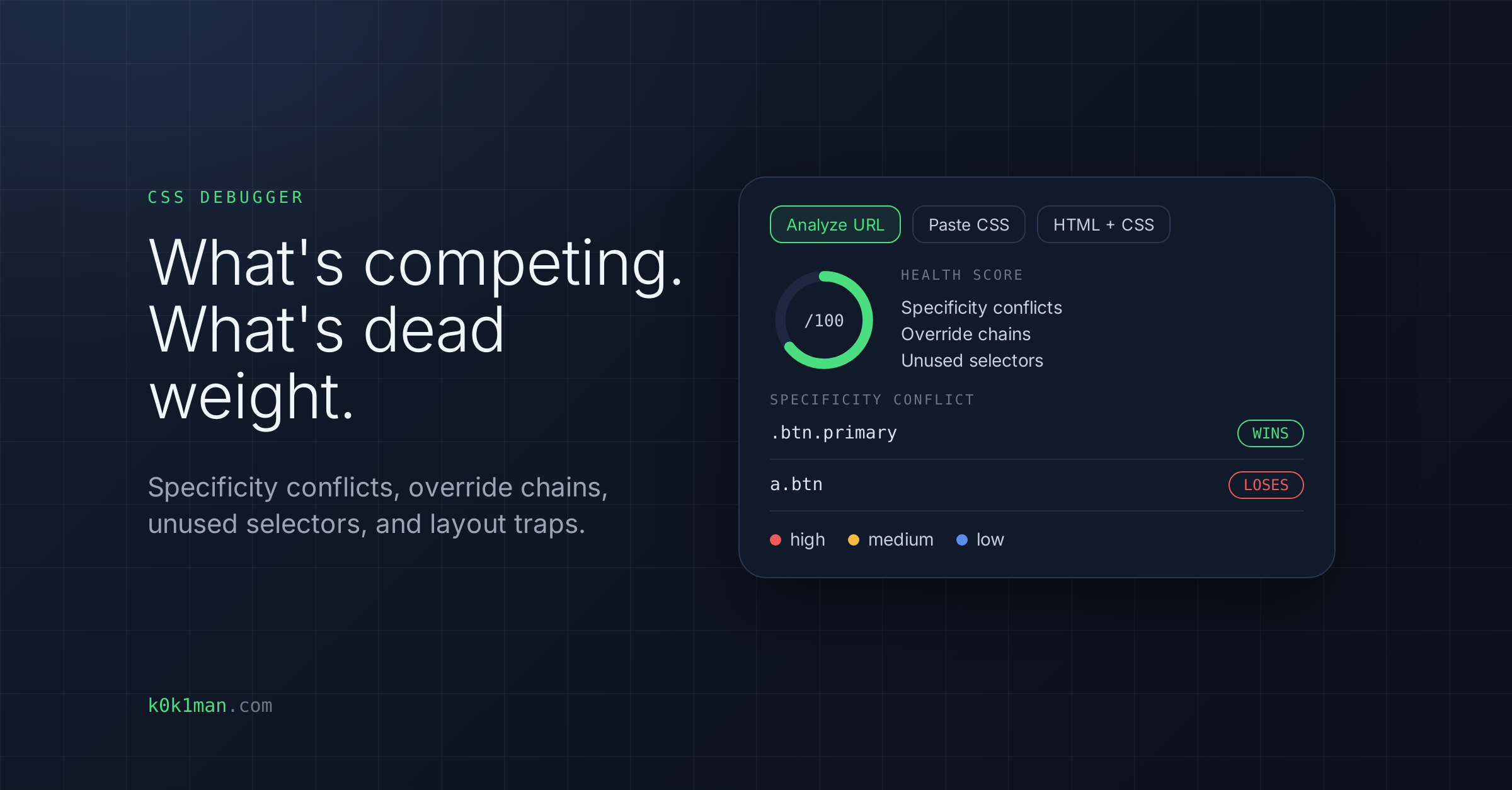
Paste a URL, raw CSS, or HTML+CSS and get an instant debugging report: specificity conflicts, override chains, unused selectors, layout traps, and CSS weight analysis.
Who this is for
Front-end developers, web teams and technical marketers debugging layout problems or bloated stylesheets.
What this tool does
- Specificity conflicts: multiple rules competing for the same property on overlapping selectors, with the winning rule identified
- Override chains: the same property declared multiple times within the same selector, which are dead declarations that waste bytes
- Unused selectors: selectors that match no elements in the provided HTML, which are safe candidates for removal
- Layout traps: silent bugs such as z-index on static elements, floats without clearfix, inline width, and deeply nested selectors
- CSS weight: total CSS size, unique selectors, total declarations and maximum nesting depth
- Analyze URL: loads the page in headless Chromium, so styles injected by JavaScript are included, and follows up to 15 stylesheets
- Paste CSS: analyze raw CSS directly
- HTML + CSS: enables unused selector detection
- Separated findings: issues inside vendor libraries (Bootstrap, FontAwesome), scoped Vue and React components, and async ad slots are listed apart as not actionable
What you get
A Health Score out of 100 with the top fix, findings by severity (high, medium, low), the weight stats, and a "Copy Fix Prompt" button that builds a copy-ready fix prompt from the findings, with no API calls. The tool pinpoints what's competing, what's dead weight, and what will break your layout.
What it does NOT do
- Unused selector detection only runs when you provide HTML.
- Some stylesheets can't be fetched (CDN protection or 4xx errors). The report then covers the files that loaded.
- It does not edit your files. For an external site, the fix prompt warns that it is a reference, not something to apply to code you don't control.
- It is in beta.