Image Tools
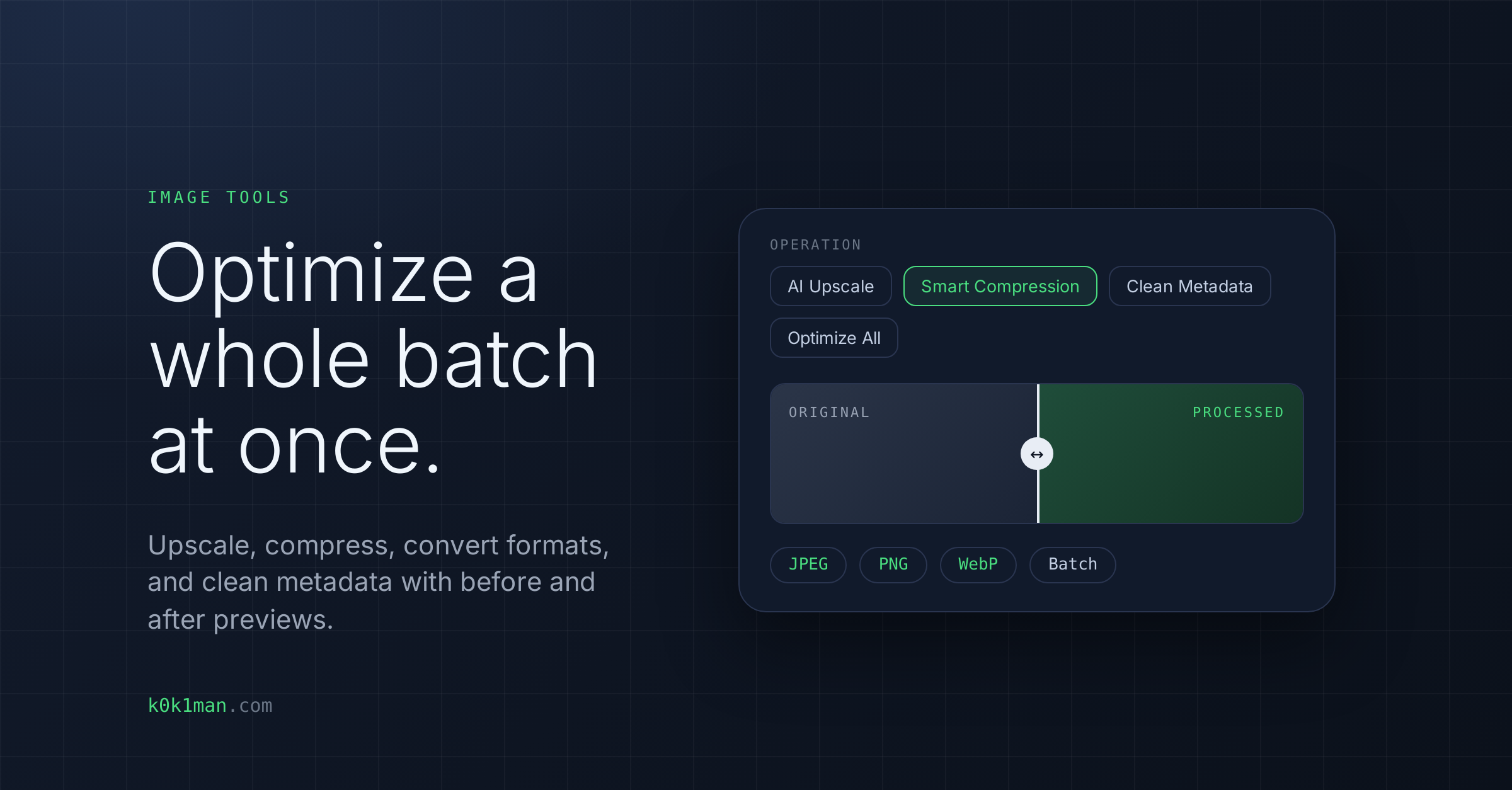
Upload a batch of images to upscale, compress, convert formats, or clean metadata, with instant before and after previews. Restore scanned film negatives and old photographs.
Who this is for
Content teams uploading images to CMSs with strict file size limits. Marketers optimizing landing pages where every kilobyte of image weight affects load time and conversions. Anyone publishing images to the web who needs them compressed, resized, or format-converted without Photoshop. Anyone restoring scanned film negatives and old photographs.
What this tool does
Web Image Optimizer
- AI upscaling: increase resolution without losing quality
- Smart compression: reduce file size while preserving visual quality
- Format conversion: convert between JPEG, PNG, WebP
- Metadata cleaning: remove EXIF data and other metadata
- Batch processing: upload multiple images, process all at once
- Before/after preview: compare original vs. processed with slider
- Accepts JPG, PNG, WebP, BMP and GIF files, up to 20MB each
Photo Restoration Studio
- Quick actions: invert a negative, convert to B&W, or auto enhance
- Fine-tune manually: brightness, contrast, shadows, highlights, and sharpness
- Restoration options: dust and scratches, and grain reduction
- Live preview: sliders and toggles update the canvas instantly
- Accepts JPG, PNG and TIFF files, and multiple files at once
What you get
Optimized, web-ready assets, downloaded in one click, and restored photos you can download.
What it does NOT do
The Web Image Optimizer is not a photo editor. It doesn't crop, rotate, adjust colors, or add filters. It's a batch optimization tool for preparing web-ready images fast. For creative editing, use Photoshop or similar tools.