Typography Studio
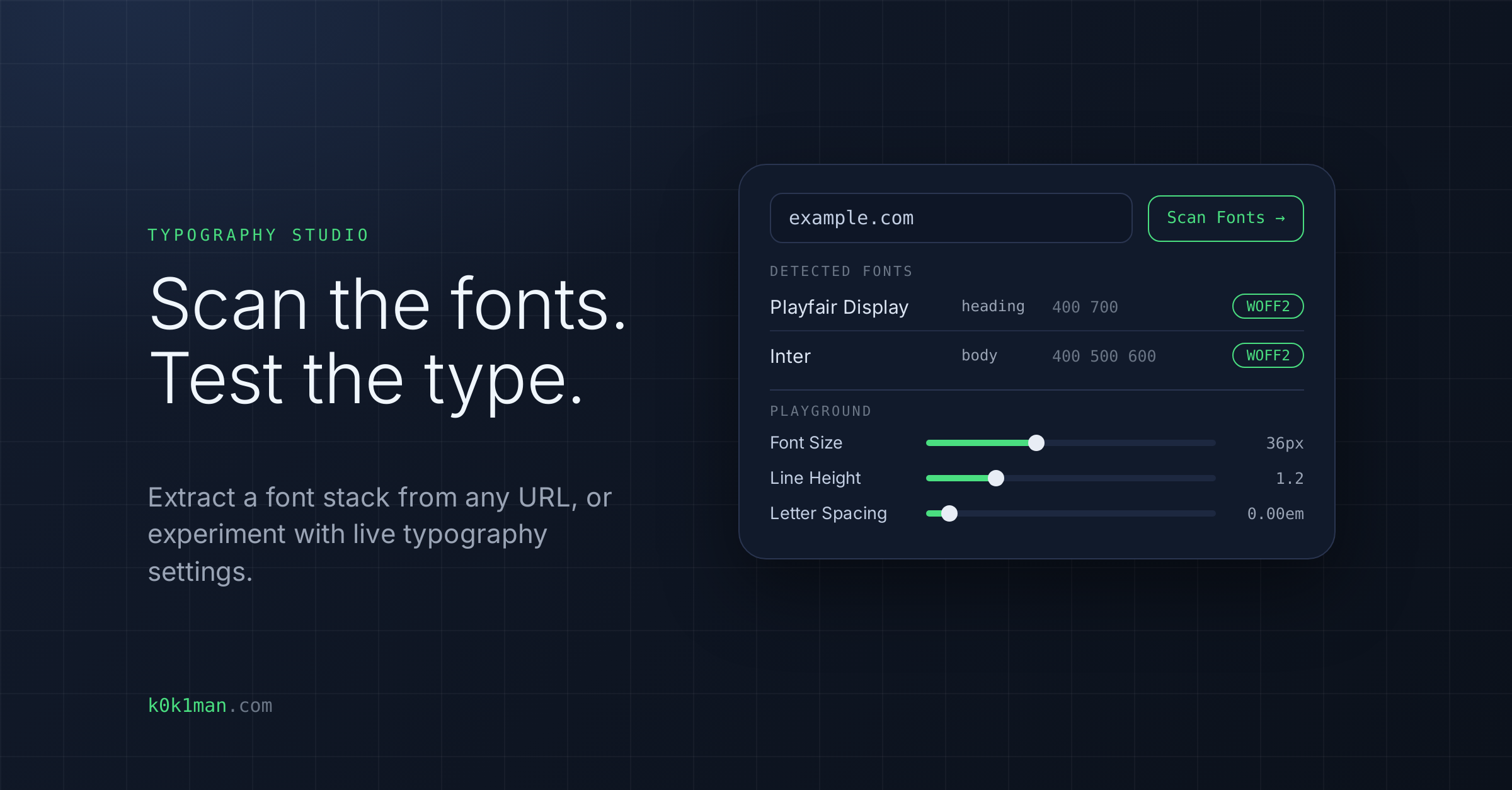
Scan any URL to extract its exact font stack and rendering variables, or experiment with live typography settings.
Who this is for
Designers, front-end developers and marketers who need to identify the fonts a page uses or test type settings before they build.
What this tool does
- Font extraction: scan a URL to list each detected font with its family, role (heading, body or both), weights, and whether WOFF2 is available
- Full Audit: flags too many font files or families, missing font-display, self-hosted fonts without WOFF2, and missing preconnect or preload hints
- Implementation snippets: the preconnect and stylesheet HTML for Google Fonts, @font-face CSS for self-hosted fonts, and a fallback font stack in CSS, each with a Copy button
- Playground: set Heading and Body typography live, with font family, size, weight (100 to 900), line height, letter spacing, word spacing, style, text transform and font variant, previewed on sample text
- Copy CSS: copy the CSS for your settings
What you get
The detected fonts and their roles, an audit of font loading issues, ready-to-copy snippets, and CSS for the type settings you tested.
What it does NOT do
- It scans the page's HTML and up to 10 stylesheets, and does not run JavaScript. Fonts that only a script loads may not be detected.
- A scan stops after 20 seconds.
- The @font-face snippet uses generated /fonts/ paths, so you must point it at your real font files.
- It does not change your site.